Vishing/Smishing

Understanding, Detecting, and Protecting Against These Threats

What are Vishing and Smishing?

Vishing (Voice Phishing):
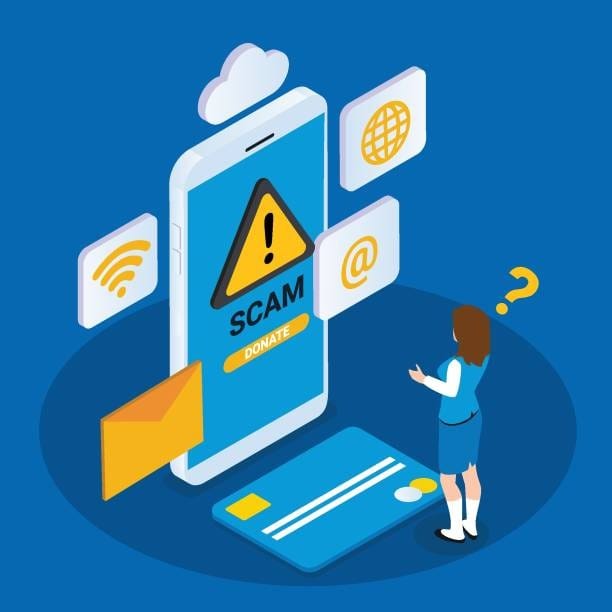
Vishing is a form of phishing where attackers use phone calls or voice messages to deceive individuals into providing sensitive information. These calls often appear to be from legitimate sources, such as banks, government agencies, or tech support.

Smishing (SMS Phishing):
Smishing involves sending fraudulent text messages to trick individuals into revealing personal information or downloading malicious software. These messages may contain links to fake websites or prompt the recipient to call a fraudulent number.

istockphoto-1373249507-612x612.jpg

How to detect Vishing?

Urgency and Threats:

Vishing calls often create a sense of urgency or fear, threatening dire consequences if you do not comply.
Be wary of unsolicited calls, especially if the caller asks for personal or financial information.

Request for Sensitive Information:

Legitimate organizations will not ask for sensitive information like passwords or social security numbers over the phone.

Caller ID Spoofing:

Scammers can spoof caller IDs to make it appear as though the call is coming from a trusted source.

How to detect Smishing ?

Suspicious Links:

Hover over links (if your device allows) to see the actual URL. Avoid clicking on links that look suspicious or unfamiliar.
Be wary of unsolicited calls, especially if the caller asks for personal or financial information.

Grammar and Spelling Errors:

Keep your antivirus software up to date and enable email filtering to detect and block phishing attempts.

Too Good to Be True:

Messages that promise prizes, free gifts, or easy money are often scams.

How to counter Vishing?

Verify the Caller:

If you receive a suspicious call, hang up and contact the organization directly using a known, official phone number.

Do Not Share Personal Information:

Never share sensitive information over the phone unless you are certain of the caller's identity.

Use Call Blocking Features:

Utilize call-blocking features on your phone to reduce the risk of receiving vishing calls.

How to counter Smishing?

Do Not Click on Links:

Avoid clicking on links in unsolicited text messages. Instead, visit the official website directly through your browser.

Delete Suspicious Messages:

Do not respond to or engage with suspicious text messages. Delete them immediately.

Use Security Apps:

Install security apps that can detect and block malicious SMS messages.
relationships accounts profile account catfish social media dating

What to Do If You Think You've Been Targeted

Vishing

Do Not Panic:

Stay calm and end the call immediately if you suspect a vishing attempt.

Change Compromised Information:

If you have shared any sensitive information, change your passwords and notify relevant institutions (e.g., banks) immediately.

Report the Incident:

Notify your organization's security team and provide details of the call, including the caller's phone number and the content of the conversation.

Smishing

Do Not Engage:

Do not reply to the message or click on any links.

Change Compromised Information:

If you have entered personal information into a suspicious site, change your passwords and notify relevant institutions.

Report the Incident:

Inform your organization's security team and provide the suspicious message details, including the sender's phone number and the message content.

Reporting Vhishing and Smishing to Your Organization

When reporting vishing or smishing attempts to your organization, include:

Details of the Incident:

Describe the call or message, including the sender's phone number and the content.

Screenshots:

Take screenshots of the smishing message, if applicable.

Actions Taken:

Inform your IT department of any actions you have taken, such as clicking on a link or sharing information.
Cookie Settings
This website uses cookies

Cookie Settings

We use cookies to improve user experience. Choose what cookie categories you allow us to use. You can read more about our Cookie Policy by clicking on Cookie Policy below.

These cookies enable strictly necessary cookies for security, language support and verification of identity. These cookies can’t be disabled.

These cookies collect data to remember choices users make to improve and give a better user experience. Disabling can cause some parts of the site to not work properly.

These cookies help us to understand how visitors interact with our website, help us measure and analyze traffic to improve our service.

These cookies help us to better deliver marketing content and customized ads.